

Beexcellent Switch Controller, Wireless Controller Gamepad Compatible for Nintendo Switch/Lite


Beexcellent Switch Controller, Wireless Controller Gamepad Compatible for Nintendo Switch/Lite
SPECIFICATIONS
Battery Included: no
Brand Name: NONE
Compatible Brand/Model: Nintendo
Compatible Nintendo Model: Nintendo Switch 2,Nintendo Switch
Origin: GB(Origin)
Pattern: Solid
Trigger Button Type: Non-Linear
Type: Gamepads
Beexcellent Switch Controller, Wireless Controller Gamepad Compatible for Nintendo Switch/Lite

Switch Controller for Nintendo Switch, Beexcellent Wireless Remote Switch Pro Controller for Nintendo SwitchLite, Replacement for Original Controller, Support Gyro Axis, Turbo, Vibration and Screenshot
About this item
Product details
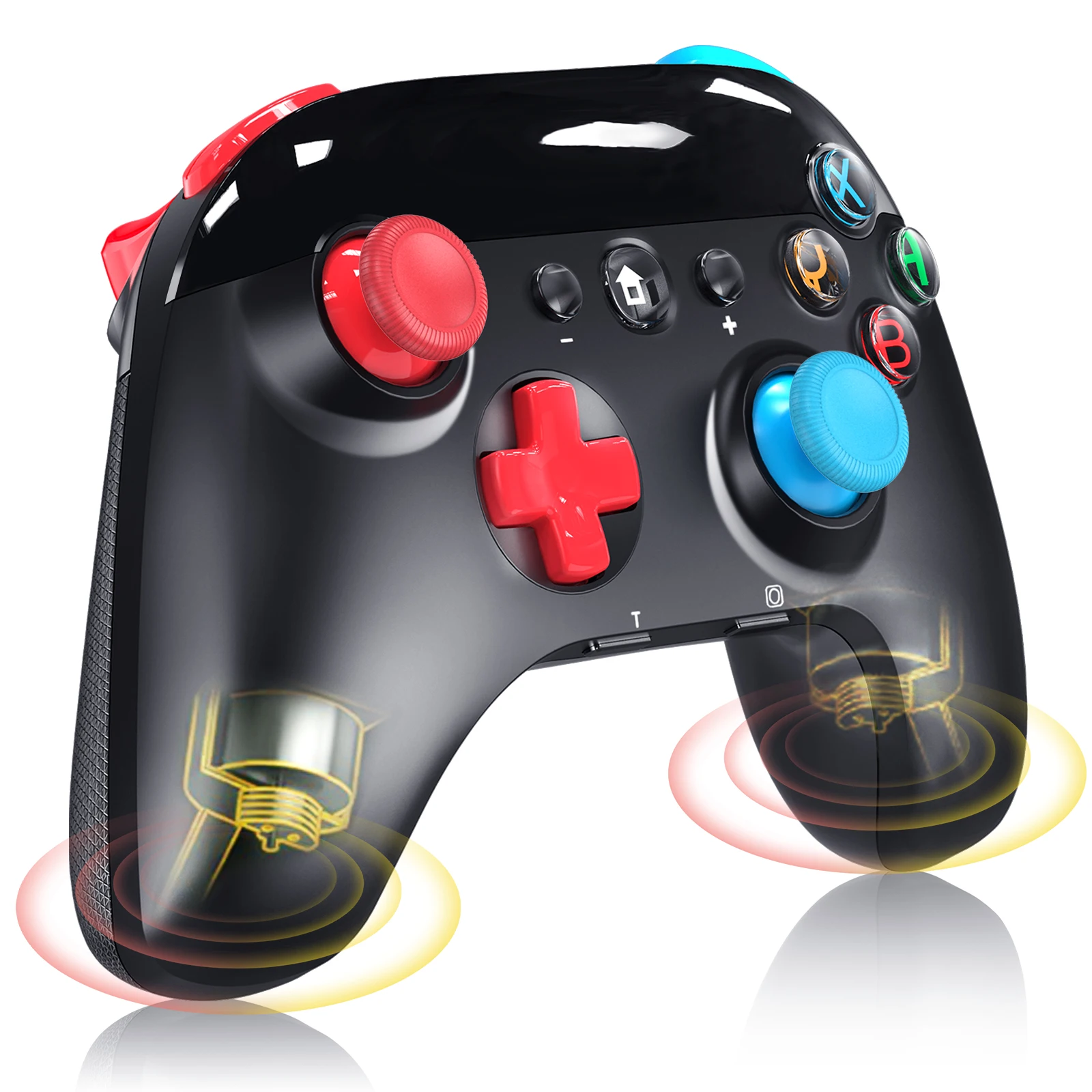
【Great Compatibility】 Switch Controller is fully compatible with switches/Switch Lite , also compatible with Windows PC and Android Phone, and perfectly compatible with games. No need to install any driver. It has the same layout as the official switch controllers/pro controllers that you can instantly adapt to.
【Precise Control】It has dual vibration motors that provides you an excellent
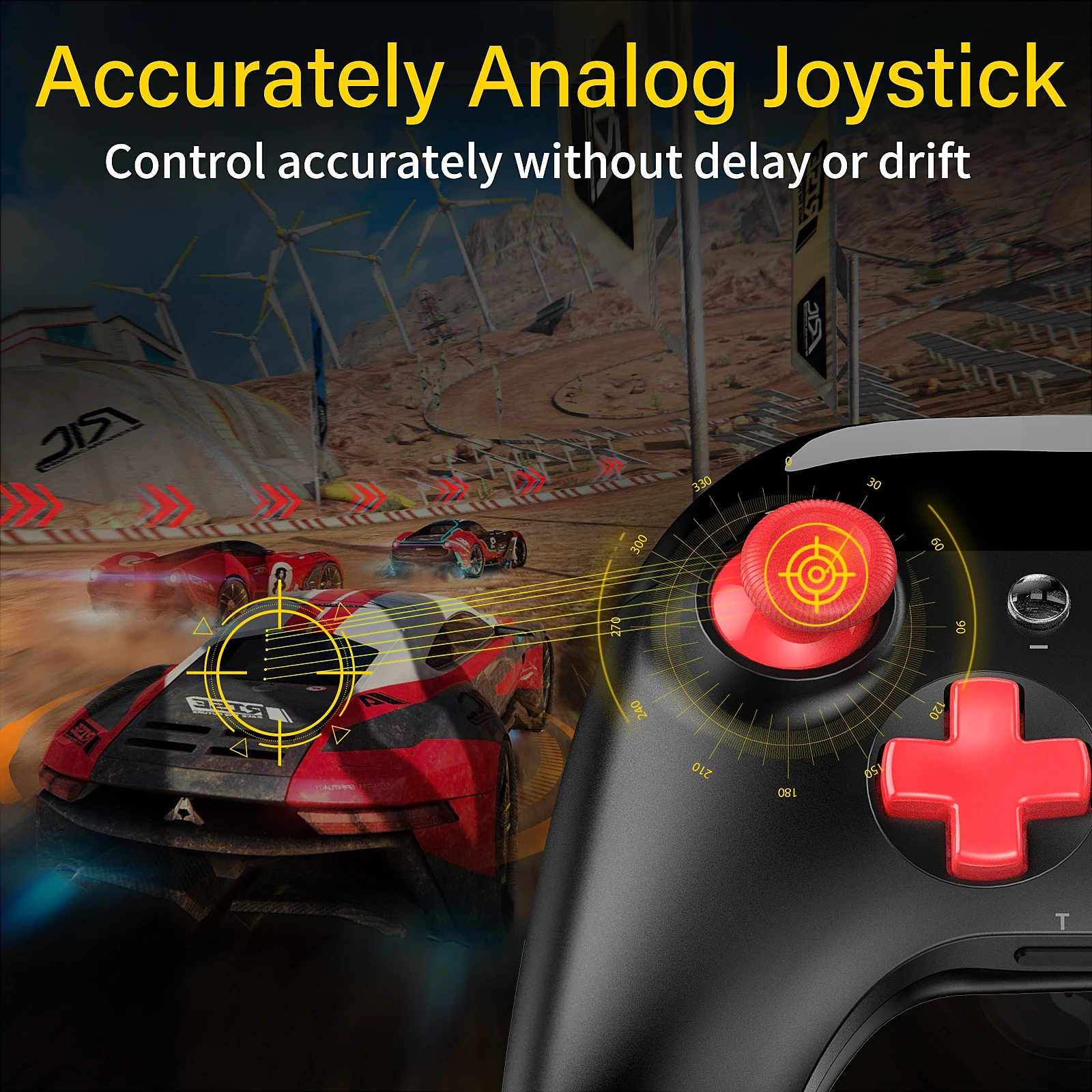
vibration feedback to enhance the game immersion. With the 6-axis gyro sensor, this controller can detect the inclination of the controller and make a quick response without delay or drift.
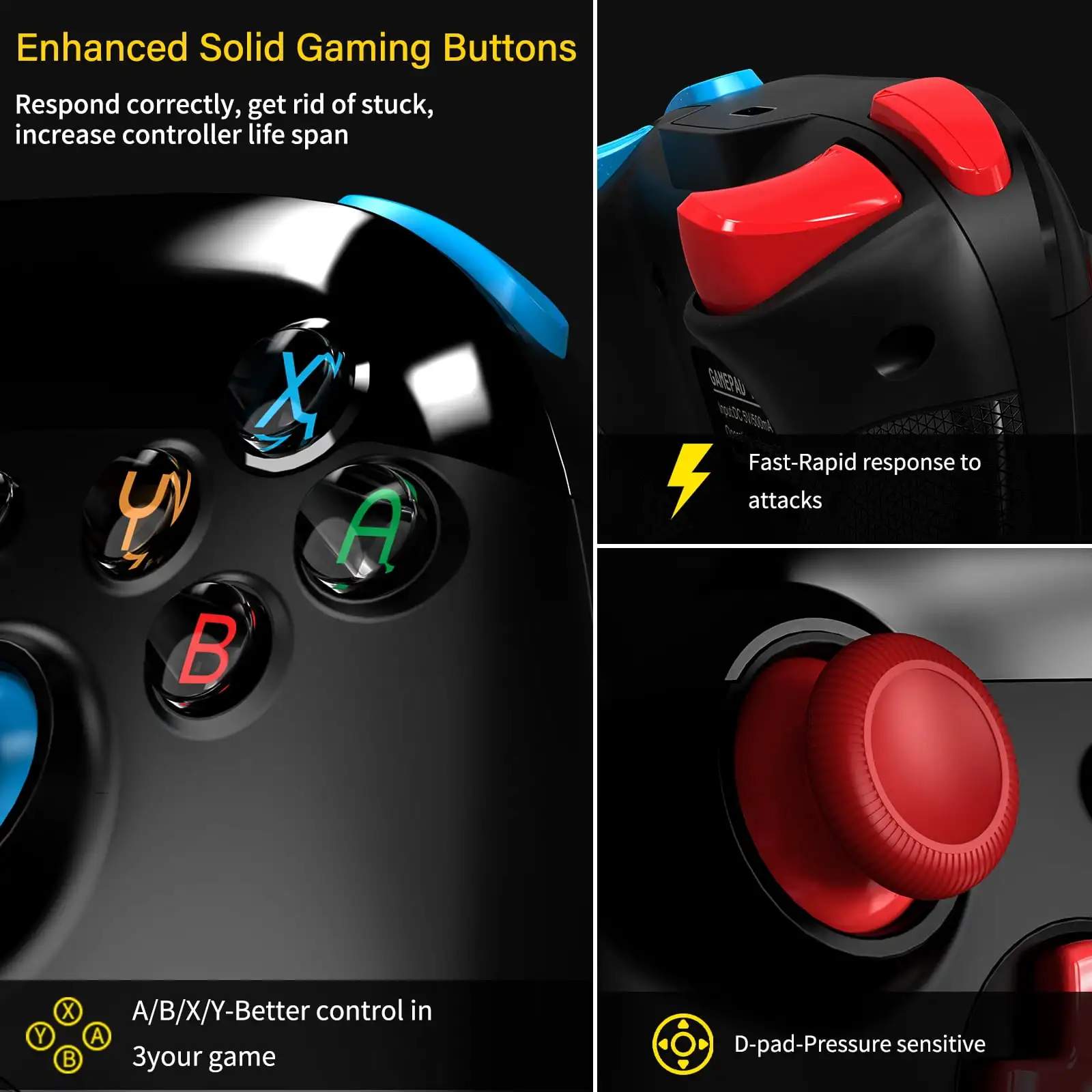
【Excellent Hand Feeling】 The wireless controller is built with ergonomic andlightweight construction, make it comfortable even for long hours of continuous play.The gamepad comes with non-slip design, which will never slip off even if your hand sweats during intense gameplay.
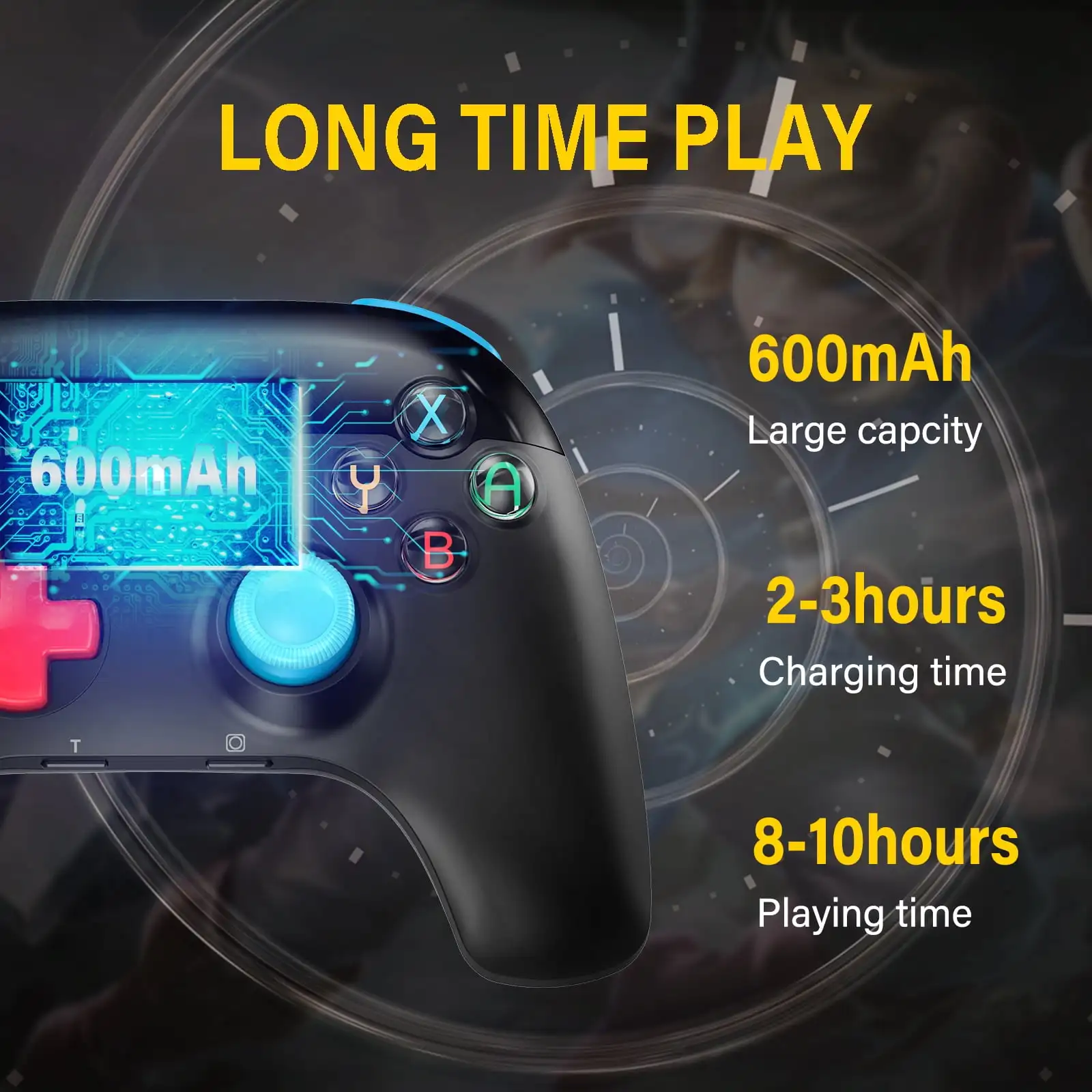
【Higher Quality】Upgraded workmanship, over 100,000 times press tests, response sensitively, control precisely and increase controller life span.Only 210g, lightweight design is even better good for long time player's wrist. The high-performance built-in 600mAh battery can service for 10 hours after fully charged, make sure you can enjoy games longer without interruption.
【Version 12.0 updated note】If your switch console have updated to system 12.0, please pair your switch controllers via USB cable for the first pairing. After the indicator light is on, press the "A" button to confirm the connection is successful, then unplug the cable, it can connect automatically. if your switch is not updated, you can connect to your switch like normal
Customer reviews & ratings
5 stars1 5 stars reviews, 100% of all reviews are rated with 5 stars, Filters the reviews below999
0 4 stars reviews, Filters the reviews below0
3 stars0 3 stars reviews, Filters the reviews below0
2 stars0 2 stars reviews, Filters the reviews below0
1 star0 1 star reviews, Filters the reviews below0

Feature 1
Made with care and unconditionally loved by our customers, this signature bestseller exceeds all expectations.
Feature 2
Made with care and unconditionally loved by our customers, this signature bestseller exceeds all expectations.

At the heart of every product lies a unique story, driven by our passion for quality and innovation. Each item enhances your everyday life and sparks joy.
